Best Smartwatches for Android Phones in the UK in 2026: Top Picks
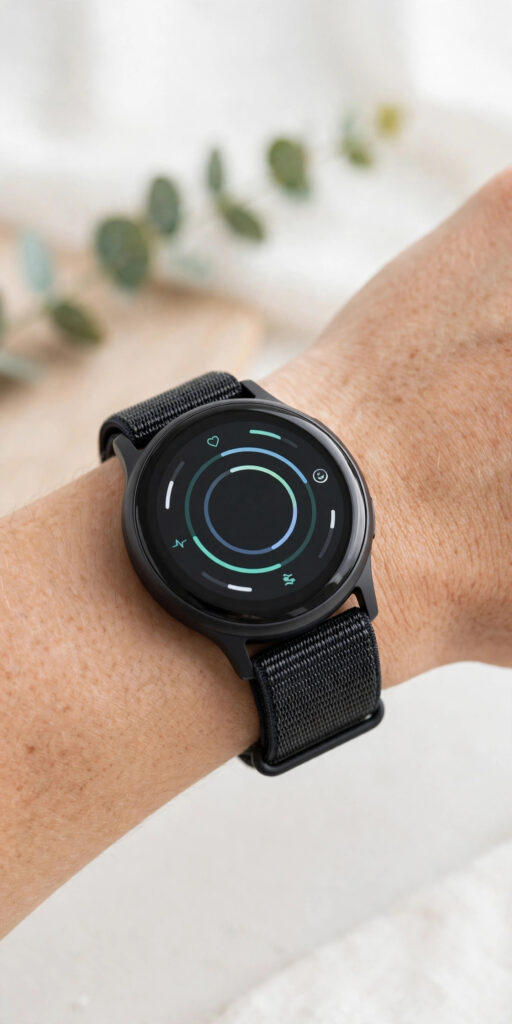
Finding the best smartwatches for Android phones UK buyers can rely on in 2026 is much easier than it used to be, but the choice is still wide enough to be confusing. Wear OS, Google’s smartwatch platform, has matured into a genuinely polished system, Samsung and Google now release watches that feel like proper companions to your phone rather than gimmicks, and strong fitness-focused brands offer serious alternatives for runners, swimmers and gym-goers. Whether you want to glance at notifications without pulling your phone out of your pocket, track your workouts and sleep properly, pay for your coffee with a flick of your wrist, or simply own a good-looking watch that also happens to be smart, there is a model in this guide that will fit your hand, your phone and your budget.
This guide covers the watches that actually make sense for Android users in the UK in 2026. Every pick below pairs properly with an Android phone, runs the apps you will actually use, and is readily available from UK retailers with a proper UK warranty. We explain who each watch is best for, what it does well, where it falls short, and what to check before you buy — including compatibility, battery life, strap sizes and whether you need the more expensive LTE version. Prices shift with sales and new releases, so treat the price bands here as a guide and always check the current UK price before ordering.
Best Smartwatches for Android Phones UK: At a Glance
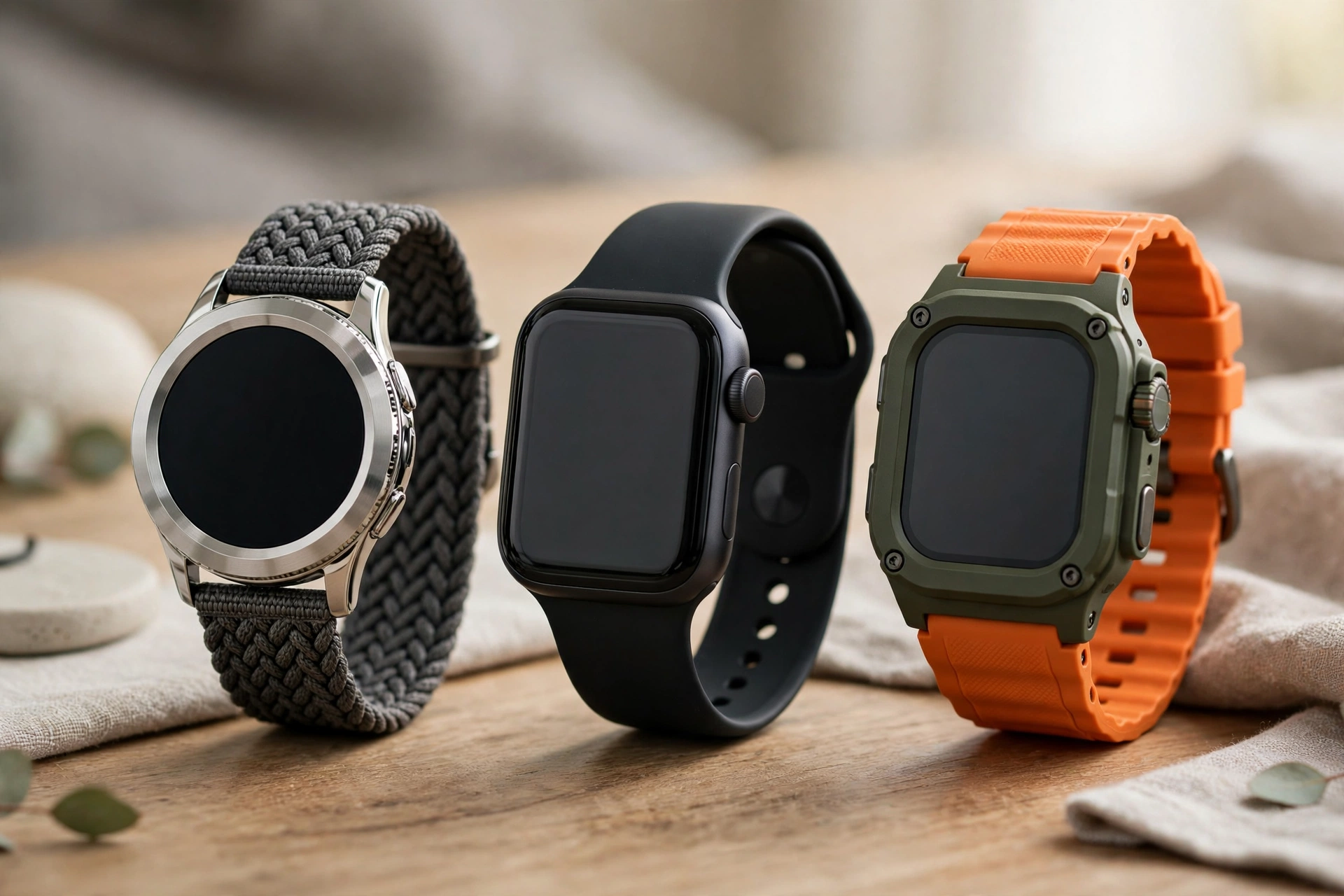
If you only have a minute, here is the short version. The Samsung Galaxy Watch range remains the best all-round choice for most Android users in the UK, thanks to its bright displays, smooth Wear OS experience and deep integration with Samsung phones — though it works well with other Android phones too. The Google Pixel Watch is the best pick if you want the cleanest, most Google-centred experience, with Fitbit health tracking built in and fast updates direct from Google. For serious athletes, a Garmin watch is still hard to beat on battery life and training data, even though its smart features are more limited than a full Wear OS watch. And if your budget is tight, there are genuinely good cheaper Wear OS and fitness watches that cover notifications, step counting and basic health tracking without costing several hundred pounds.
- Best overall: Samsung Galaxy Watch — the most complete Wear OS experience for most Android users.
- Best for pure Android: Google Pixel Watch — the cleanest Google experience with Fitbit health tracking.
- Best for athletes: Garmin Forerunner or Venu range — outstanding battery life and training metrics.
- Best value: A cheaper Wear OS watch or a capable fitness band-style watch — notifications and health essentials for less.
- Best for Samsung phone owners: The latest Galaxy Watch, which unlocks extra features such as ECG and body composition when paired with a Samsung phone.
Before diving into individual models, it is worth understanding one important point about compatibility. Almost every Wear OS watch works with any reasonably recent Android phone, but some health features — most famously Samsung’s ECG and blood pressure readings — are officially limited to Samsung phones. Google’s Pixel Watch features work across Android phones, and Garmin watches pair with practically anything. If a specific feature matters to you, check the compatibility note for that watch before you buy, not after.
Samsung Galaxy Watch: The Best All-Rounder
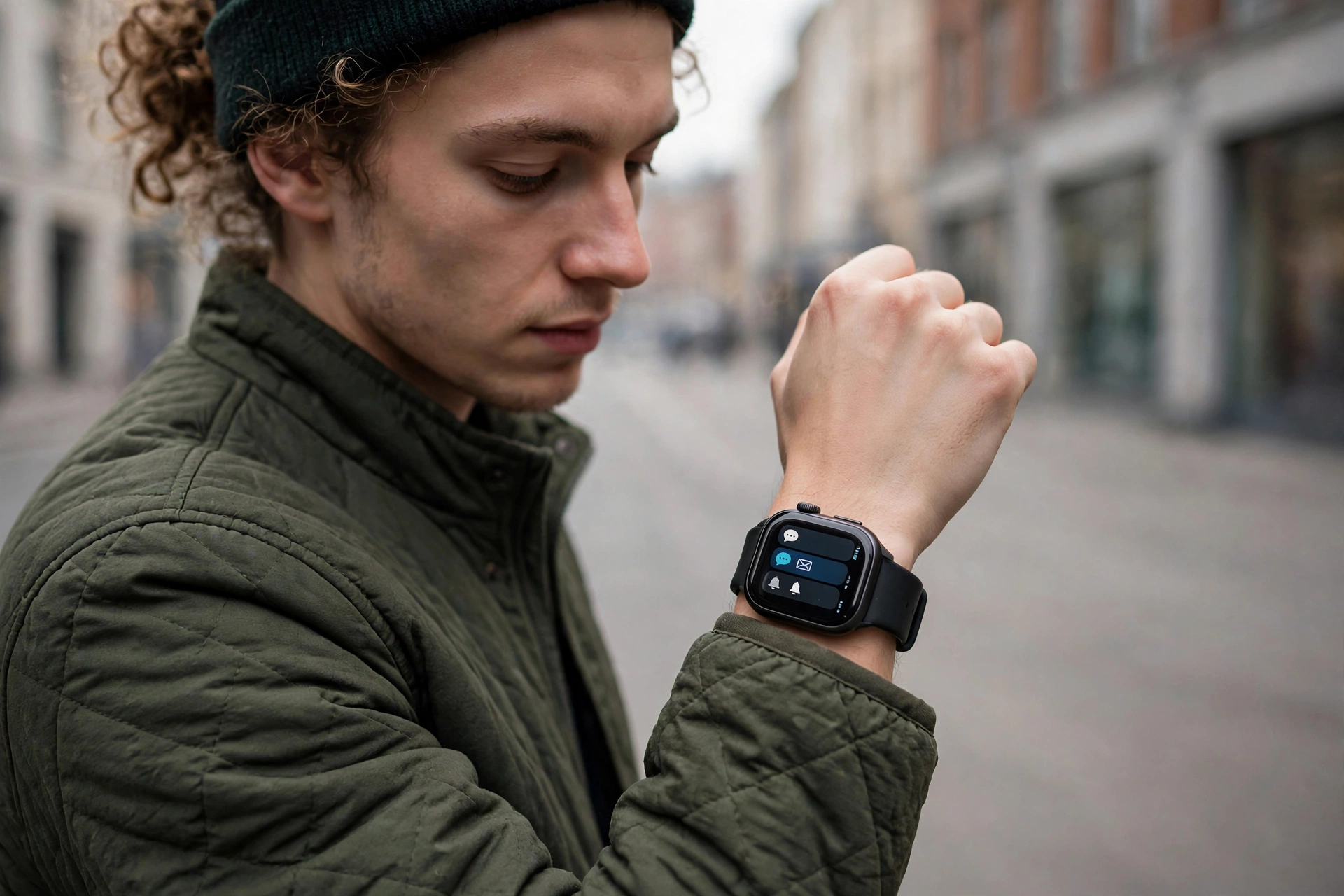
Samsung’s Galaxy Watch line has been the default recommendation for Android users for years, and in 2026 that is still justified. The current models combine a bright, sharp AMOLED display that stays readable in direct sunlight, a rotating bezel or touch bezel on many models for easy scrolling, and a mature set of health sensors covering heart rate, sleep, blood oxygen, stress and body composition. Wear OS on a Galaxy Watch feels fast and fluid, with access to the Google Play Store on your wrist, Google Maps navigation, Google Wallet payments and a wide choice of watch faces and third-party apps.
For Samsung phone owners, the integration goes further. Features such as ECG, blood pressure monitoring, snore detection and seamless earbud switching work best — or only — within the Samsung ecosystem, and the Galaxy Wearable app gives you detailed control over notifications, watch faces and health data. Even if you own a phone from another brand, though, the Galaxy Watch remains an excellent watch: you still get notifications, calls, payments, fitness tracking and the full Play Store, just without a couple of Samsung-only health extras. You can explore Samsung’s current range and specifications on the official Samsung website before comparing UK prices.
Who should buy a Galaxy Watch?
Choose a Galaxy Watch if you want one watch that does everything well and you do not want to think too hard about the decision. It suits office workers who want discreet notifications and calendar alerts, commuters who want to pay and navigate from their wrist, and casual exercisers who want reliable step, workout and sleep tracking without a separate fitness device. The range also covers different wrist sizes and styles, from the sportier standard models to the more premium Classic versions with a physical rotating bezel.
Galaxy Watch drawbacks to know about
Battery life is the main compromise. Most Galaxy Watch models last around a day to a day and a half with the always-on display enabled and regular use, so you will be charging most nights. Turning off the always-on display and trimming background apps stretches this noticeably, and the same battery-saving habits that help your phone can help your watch too — our guide on how to stop Chrome draining battery on Android covers the general principles, even though a watch needs a lighter touch. Also, the LTE version costs more upfront and adds a monthly mobile plan cost, so most buyers are better off with the Bluetooth and Wi-Fi model, which does everything except take calls when your phone is genuinely out of range.
Google Pixel Watch: The Cleanest Android Experience
The Google Pixel Watch is the watch for people who want Google, front and centre. It runs the purest version of Wear OS, gets updates quickly, and builds Fitbit’s well-regarded health tracking directly into the experience, including heart rate, sleep stages, readiness scores and workout tracking. The design is deliberately minimal — a smooth, domed glass face with no bezel clutter — which makes it one of the best-looking smartwatches you can buy, and it pairs beautifully with a Pixel phone while still working fully with any Android phone.
Where the Pixel Watch shines is in everyday Google usefulness. Google Assistant on your wrist, Gmail and Calendar notifications that you can actually act on, Google Maps directions with turn-by-turn vibrations, and Google Wallet for contactless payments all feel native rather than bolted on. If your digital life already runs on Google services, this watch slots into it with the least friction. Check the latest model and UK pricing on the official Google Store before buying, since Google frequently bundles the watch with Pixel phones during promotions.
Pixel Watch battery and sizing notes
Like the Galaxy Watch, the Pixel Watch is a charge-most-nights device, typically lasting around 24 hours with normal use. That is fine if you charge it while you shower or alongside your phone overnight, but it is a real drawback if you want multi-day sleep tracking without gaps — you will need a short daytime top-up. Sizing matters too: the Pixel Watch comes in a single case size in most generations, so try it on in a shop if you have very small or very large wrists, and factor in the cost of a spare strap if you want a sport band for workouts and a smarter band for work.
Best Smartwatches for Android Phones UK for Fitness and Health
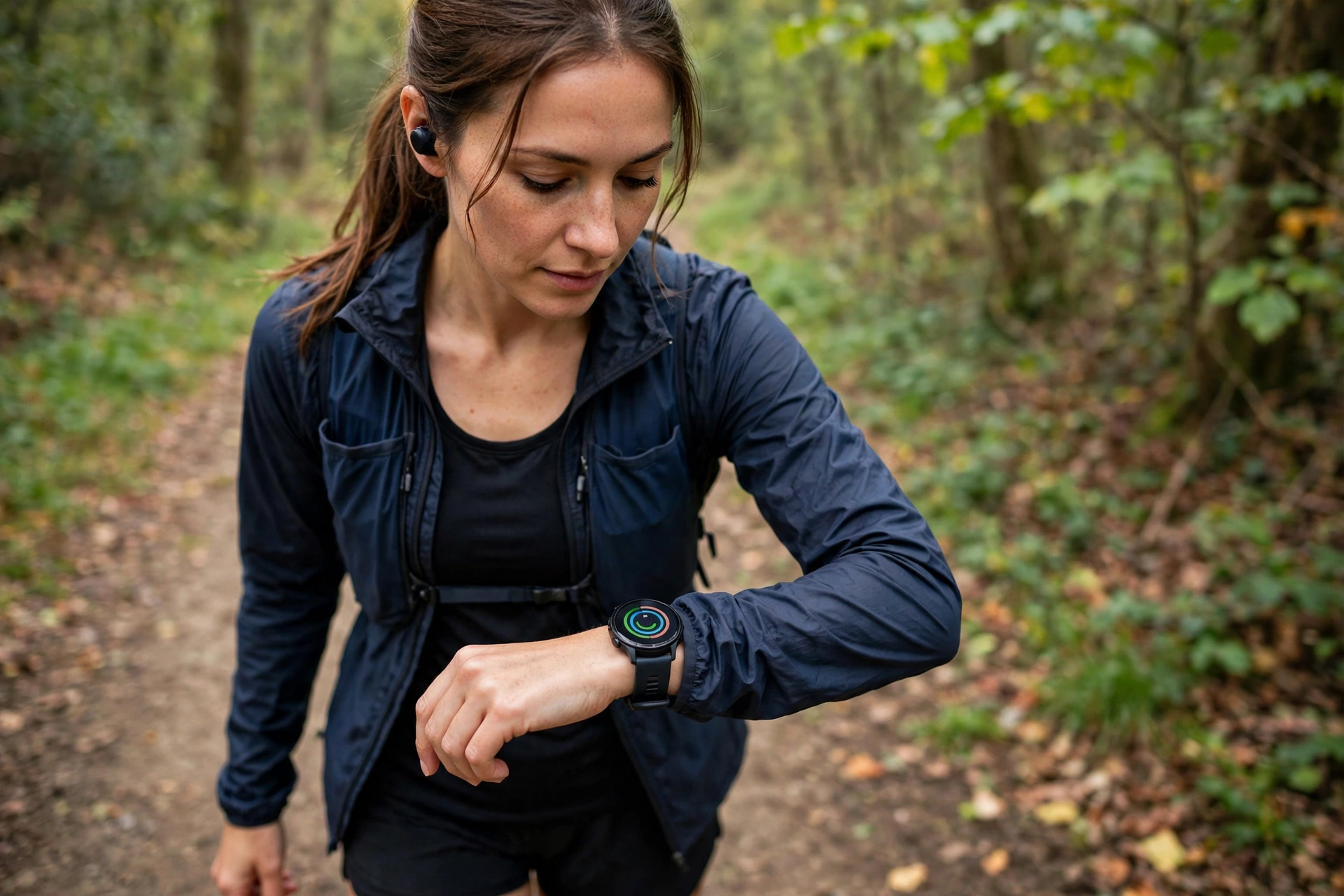
If training data matters more to you than apps and voice assistants, the fitness-first watches deserve serious attention. Garmin dominates this space for good reason: its watches routinely last a week or more on a charge, track running, cycling, swimming, hiking and gym sessions with a depth that Wear OS watches cannot match, and present the data in a way that genuinely helps you train smarter. Features such as training readiness, recovery time, race predictions and detailed running dynamics are standard on mid-range and premium Garmin models, and the Garmin Connect app is one of the best free fitness platforms available.
The trade-off is that a Garmin is a sports watch with smart features, not a smartwatch with sports features. You still get notifications, contactless payments on many models, music storage and basic apps, but you will not get the full Google Play Store, Google Assistant or the same range of third-party apps as a Wear OS watch. For many athletes that is a perfectly good deal: a watch that lasts a fortnight, survives a muddy trail run, and tells you exactly how hard you trained is worth more than one that needs charging every night. Amazfit and Coros offer similar fitness-first value at lower prices, and are worth a look if Garmin’s premium models stretch your budget.
Health features worth checking in 2026
- Heart rate and sleep tracking: standard on every decent watch now — look for accurate overnight sleep stages, not just total hours.
- ECG and irregular rhythm alerts: useful, but remember these are screening tools, not medical diagnoses — see a doctor about anything concerning.
- Blood oxygen and stress tracking: helpful trends over time, though single readings can vary with fit and movement.
- GPS accuracy: essential for runners and cyclists — dual-band GPS on better models tracks far more accurately in cities and woodland.
- Water resistance: check the rating properly: a 5ATM rating covers swimming, while a basic splash-resistant rating does not.
One practical tip for anyone switching phones as well as watches: moving your data over is straightforward if you plan it. If you are also upgrading your handset, our guide on how to transfer WhatsApp chats to a new Android phone walks through the migration, and the same backup-first principle applies to your watch — sync your health data to your Google or Samsung account before unpairing an old watch, so nothing is lost in the move.
Best Budget Smartwatches for Android in the UK
You do not need to spend flagship money to get a useful Android smartwatch. Cheaper Wear OS watches, and capable watches from brands such as Amazfit, Xiaomi and CMF, now cover the essentials well: clear notifications you can read and dismiss, call handling, step and workout tracking, sleep monitoring and heart rate readings, plus multi-day battery life that flagships cannot match. What you give up at this price is usually screen brightness, build quality, the fastest processor, advanced health sensors such as ECG, and the widest app selection.
Budget buying needs a sharper eye than flagship buying. Check that the watch runs a current version of Wear OS or the brand’s own well-supported system, rather than an abandoned older version that will never see updates. Read UK reviews for the exact model, not just the brand, because budget ranges vary wildly between generations. And be realistic about the screen: a dimmer display is manageable indoors but frustrating on a sunny run, so if you exercise outdoors, prioritise brightness and GPS over extra apps. A cheaper watch that you actually wear every day beats an expensive one that sits in a drawer because the battery died again.
When a fitness band is the smarter buy
For some buyers, a fitness band is honestly the better purchase. Bands from Xiaomi, Fitbit and Huawei cost a fraction of a smartwatch, last a week or two on a charge, and track steps, workouts, sleep and heart rate perfectly well. You lose the big app ecosystem, on-wrist replies and payments on most bands, but if your main goal is health tracking and discreet notifications, a band plus your phone is a lighter, cheaper and longer-lasting combination. It is also a sensible first step if you are not sure you will enjoy wearing a smartwatch at all.
How to Choose: The Checks That Matter Before You Buy
With the main contenders covered, here is the practical checklist to run through before spending anything. Working through it takes ten minutes and prevents the most common buyer’s regrets: a watch that does not fit, a feature that does not work with your phone, or a battery that does not match your routine.
Compatibility and phone pairing
Confirm your phone runs a supported Android version — most Wear OS watches need Android 9 or later, and some newer features need a more recent version. Check whether the watch’s companion app is available on your phone, and whether any headline feature you care about is restricted to a particular phone brand. Android’s official wearable guidance on android.com is a good starting point, and the watch manufacturer’s own compatibility page is the final word for brand-specific features.
Size, straps and comfort
Case size is measured in millimetres and usually comes in two options on flagship watches — roughly 40–41mm for smaller wrists and 44–45mm for larger ones. A bigger case means a bigger screen and often a bigger battery, but also more weight and a watch that can look oversized on a slim wrist. Straps matter just as much: silicone straps suit workouts, leather or metal suits work, and quick-release straps make swapping easy. If you have sensitive skin, look for hypoallergenic strap materials and a case that does not trap moisture during exercise.
Battery life and charging routine
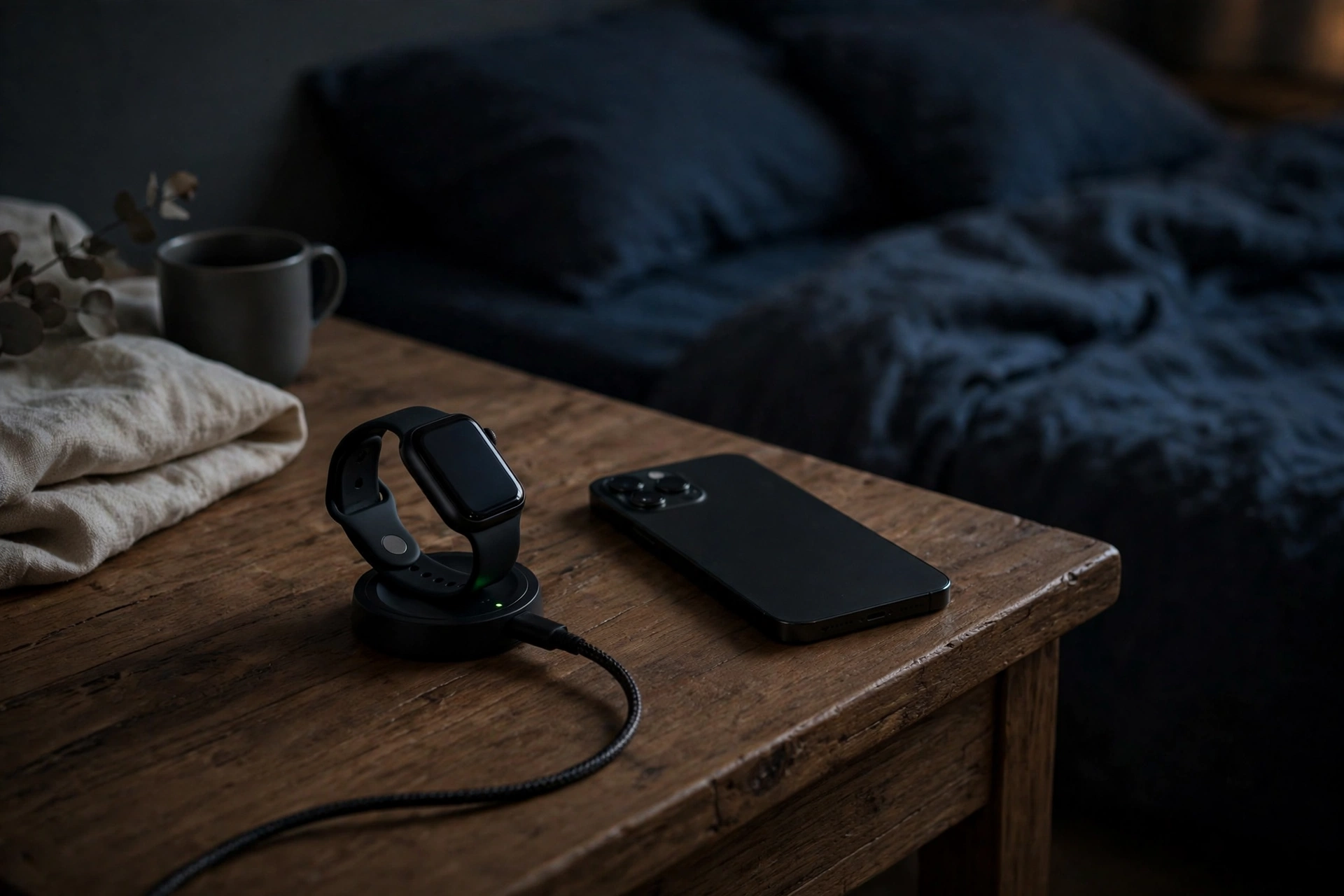
Be honest about your routine. If you are happy charging nightly, a flagship Wear OS watch is no burden at all — it charges while you sleep or shower. If you travel, camp, or want uninterrupted sleep tracking for a week, a Garmin or a budget watch with multi-day battery is the better fit. Also check the charger: most watches use a proprietary puck or magnetic charger, so a lost charger is not replaceable with a generic cable, and a second charger for work or travel is a worthwhile accessory.
LTE or Bluetooth: do you need a mobile connection?
Most buyers do not need LTE. The Bluetooth model handles notifications, calls, payments and tracking whenever your phone is nearby — which, for most people, is almost always. LTE earns its extra cost only if you regularly leave your phone behind: runners who want to stream music and stay contactable, parents who want a child to be reachable, or anyone who wants emergency calling without a phone in their pocket. Remember that LTE also needs a mobile plan, usually added to your existing phone contract for a few pounds a month, and it drains the battery faster.
Storage, apps and future updates
Check how much storage the watch has if you want offline music — 16GB is workable, 32GB is comfortable. Look at the app situation honestly: most people use a handful of watch apps daily (messages, maps, wallet, fitness, music), so a huge app store matters less than those core apps working well. Finally, consider update support: Google and Samsung both support their recent watches for several years, while cheaper brands vary, so a watch that will still get security and feature updates in two years is worth a small premium over one that will not.
Practical Tips for Getting the Most from Your New Watch
A smartwatch only earns its keep if it is set up well, so spend half an hour on setup rather than accepting every default. Start by choosing which apps can send notifications to your wrist — messaging, calls, calendar and your bank are usually worth it, while social media and shopping apps quickly become a buzzing distraction. Set up Google Wallet or Samsung Pay before you first need it, so paying at a till is a confident flick rather than a fumble. Customise your watch face with the complications you actually check: date, weather, step count and next calendar event cover most days.
- Enable fall detection and emergency SOS if your watch supports them, and add emergency contacts during setup.
- Turn on automatic workout detection so walks and runs are logged even when you forget to start them.
- Use Do Not Disturb and bedtime mode schedules so the watch does not light up or buzz overnight.
- Keep your watch software updated — updates frequently improve battery life and fix sensor accuracy.
- Clean the strap and sensor area regularly, especially after sweaty workouts, to keep readings accurate and skin comfortable.
- Back up your health data to your Google, Samsung or Garmin account so a lost watch does not mean lost history.
It is also worth tidying the phone side of the setup. A watch mirrors your phone, so a phone drowning in notifications will drown your wrist too. If your photo storage is eating your phone’s space and slowing things down, our guide on how to manage Google Photos storage space is a useful cleanup step, and a phone that runs well makes for a watch that runs well.
Frequently Asked Questions
Which smartwatch is best for Android phones in the UK?
For most Android users, the Samsung Galaxy Watch is the best all-round choice, with the Google Pixel Watch a close second for the purest Google experience. Serious athletes should look at Garmin instead, and budget buyers can get excellent value from cheaper Wear OS watches or fitness bands.
Do Samsung watches work with non-Samsung Android phones?
Yes. A Galaxy Watch pairs with any recent Android phone and gives you notifications, calls, payments, fitness tracking and the Play Store. A few health features, such as ECG and blood pressure monitoring, are officially limited to Samsung phones, so check that detail if those features matter to you.
Is the Pixel Watch better than the Galaxy Watch?
It depends on your priorities. The Pixel Watch offers the cleanest Wear OS experience, fast updates and Fitbit health tracking, while the Galaxy Watch offers more case sizes and styles, a rotating bezel on some models, and deeper features for Samsung phone owners. Both are excellent — choose the Pixel Watch for Google purity and the Galaxy Watch for versatility.
How long does a smartwatch battery last?
Flagship Wear OS watches typically last one to two days, so expect to charge most nights. Garmin and many budget watches last a week or more. Turning off the always-on display, reducing notification volume and limiting background apps all extend battery life noticeably.
Do I need the LTE version of a smartwatch?
Probably not. The Bluetooth model does everything most people need while their phone is nearby. LTE is worth it only if you regularly leave your phone behind and still want calls, messages and streaming — and remember it adds both upfront cost and a monthly mobile plan.
Can I swim with my smartwatch?
Most modern smartwatches rated 5ATM are fine for swimming, and many track pool and open-water sessions. Check the exact rating for your model, rinse the watch in fresh water after swimming in a pool or the sea, and avoid pressing buttons underwater unless the manufacturer says it is safe.
Can I use a smartwatch without a phone nearby?
Partly. A Bluetooth watch tracks workouts, steps, sleep and heart rate on its own and syncs when your phone is back in range, and models with stored music can play to Bluetooth headphones without a phone. Calls, messages and live notifications need either your phone nearby or an LTE model with its own connection.
Are cheap Android smartwatches worth buying?
Yes, if you choose carefully. Budget watches cover notifications, fitness tracking and sleep monitoring well and often last much longer on a charge than flagships. Avoid models running outdated software with no update support, and prioritise screen brightness and GPS accuracy if you exercise outdoors.
Key Takeaways
- The Samsung Galaxy Watch is the best all-round smartwatch for most Android users in the UK in 2026.
- The Google Pixel Watch is the best choice for the cleanest Google experience with Fitbit health tracking.
- Garmin watches win on battery life and training data, but offer fewer smart features than Wear OS.
- Budget watches and fitness bands cover the essentials well and last far longer between charges.
- Check phone compatibility before buying — some Samsung health features need a Samsung phone.
- Most buyers do not need LTE; the Bluetooth model is cheaper and lasts longer on a charge.
- Try the case size on your wrist if you can, and budget for a spare strap for workouts and work.
- Set up notifications carefully on day one, so your watch informs you instead of interrupting you.
Conclusion
The best smartwatches for Android phones UK shoppers can buy in 2026 are better than ever, and the right choice comes down to a simple question: what will you actually use the watch for? If you want one device that does everything well, buy the Samsung Galaxy Watch. If your life runs on Google and you want the purest Wear OS experience, buy the Pixel Watch. If training data and battery life matter more than apps, buy a Garmin. And if your budget is tight, a good budget watch or fitness band will cover the essentials without compromise where it counts. Whatever you choose, check compatibility with your phone, pick the right case size, be realistic about battery life, and set the watch up properly on day one. Do that, and your new watch will quietly become one of the most useful devices you own — keeping you connected, healthier and organised, all from your wrist. If you are also shopping for a companion device, our guide to the best Android tablets under £200 in the UK is a useful next read.